AI3DGen.com Start creating
English

Visual creation

Turn ideas into 3D scenes with an ai image editor

Use ai3dgen to move from a visual direction to a clearer 3D concept. Start with a focused description, then refine the result through deliberate image changes.

Describe, refine, repeat
ai3dgen visual creation workspace

Start here

Set the prerequisites

A productive image-editing pass begins with a clear subject, a visible goal, and one change at a time.

  1. 1

    Choose a visual starting point

    Begin with a subject, reference, or scene direction that gives the image a clear identity. Mention the object, setting, style, and most important visual relationship.

  2. 2

    Name the change you want

    Describe the edit in concrete terms: change the lighting, remove a background element, adjust the pose, or make the materials read more clearly.

  3. 3

    Review the result as a 3D reference

    Look for silhouette, proportions, lighting, and surface cues that can support later 3D work. Keep the strongest direction and refine only what needs attention.

Practical workflows

Follow one full run-through

Different creators begin with different inputs, but the same focused sequence helps keep an image useful for the next stage.

Game artists

You have a rough character direction but need a sharper silhouette, readable materials, and a stronger presentation angle.

Use the resulting image as a visual target while developing a game-ready asset. If the source is a photograph or sketch, the image to 3d model free workflow gives you another starting route.

image to 3d model free

Concept designers

You want to compare several moods for one environment without losing the core subject or composition.

Write the fixed elements first, then change one variable such as weather, palette, architecture, or camera distance. The result is easier to compare and communicate.

how to use ai3dgen

Product visualizers

A product idea needs a cleaner context, more intentional lighting, or a presentation that makes its shape easier to read.

Use concise edits that protect the product silhouette while improving the surrounding scene. This creates a more useful visual reference for review.

meshy alternatives

Independent creators

You are exploring a creature, prop, room, or vehicle and need several directions before committing to one.

Generate a small set of controlled variations, select the strongest design language, and carry that direction into the next creation step.

how to use ai3dgen

Choose your input

Compare the options table

The best starting mode depends on how much visual structure you already have and how much of the scene you want to change.

Start from a written visual brief

Use a text direction when the idea is still flexible or when you want to explore a subject before committing to a reference. Put the non-negotiable details first, then add style and atmosphere.

  • Name the main subject before secondary details.
  • Describe composition, lighting, and materials in plain language.
  • Change one major visual variable between iterations.

Build from an existing visual

Use a reference when the subject, proportions, or composition already matter. Explain what should remain recognizable and identify the specific areas that need adjustment.

  • State which shapes or features must stay consistent.
  • Separate structural edits from styling edits.
  • Check whether the revised image still serves the original purpose.

Prepare an image for 3D work

Use the image as a design target rather than treating it as a finished model. Prioritize readable forms, a clear silhouette, and surface cues that can translate into a later 3D workflow.

  • Favor clear forms over crowded detail.
  • Inspect front, side, and three-quarter visual logic where possible.
  • Keep notes on decisions that need to carry into modeling or texturing.

Keep exploring

Most weak results come from unclear priorities rather than a lack of ideas. These related paths help when the first approach is not enough.

Visual checkpoints

Refine the image before it becomes a 3D brief

A strong image is not only attractive; it gives the next tool or collaborator fewer questions to solve.

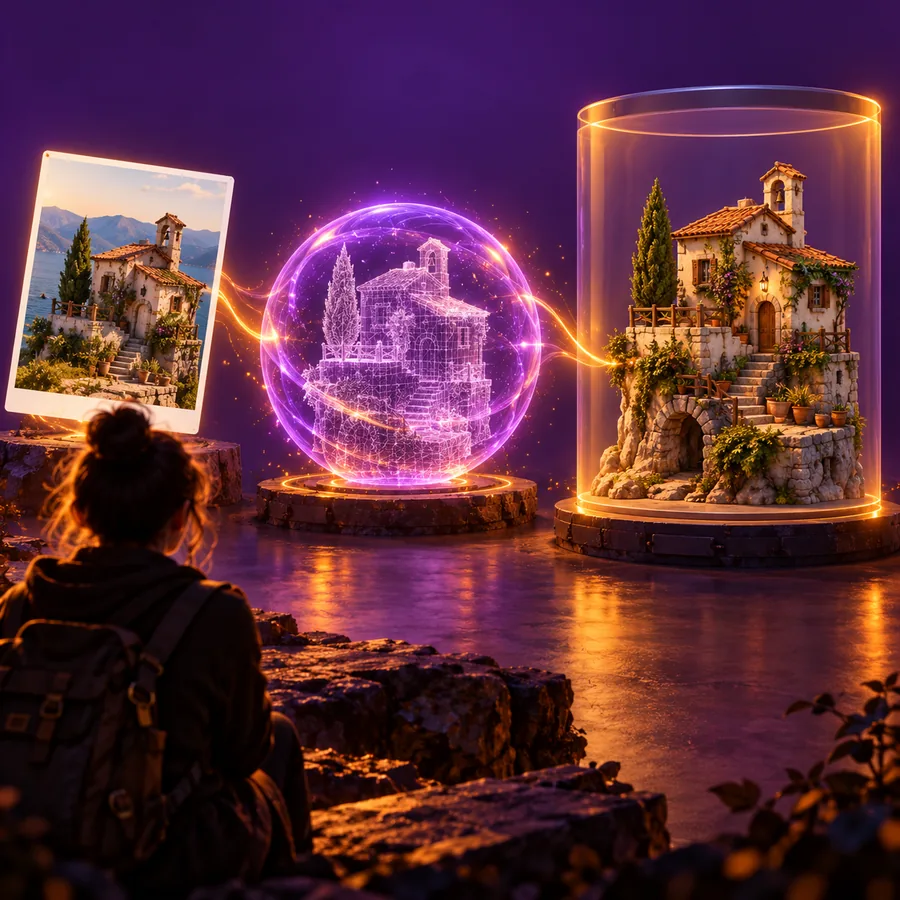
Clear 3D silhouette in a visual concept

1

Protect the silhouette

The outer contour carries much of a design's identity. When refining a character, prop, or vehicle, make sure the main shape remains readable after every lighting or styling change.

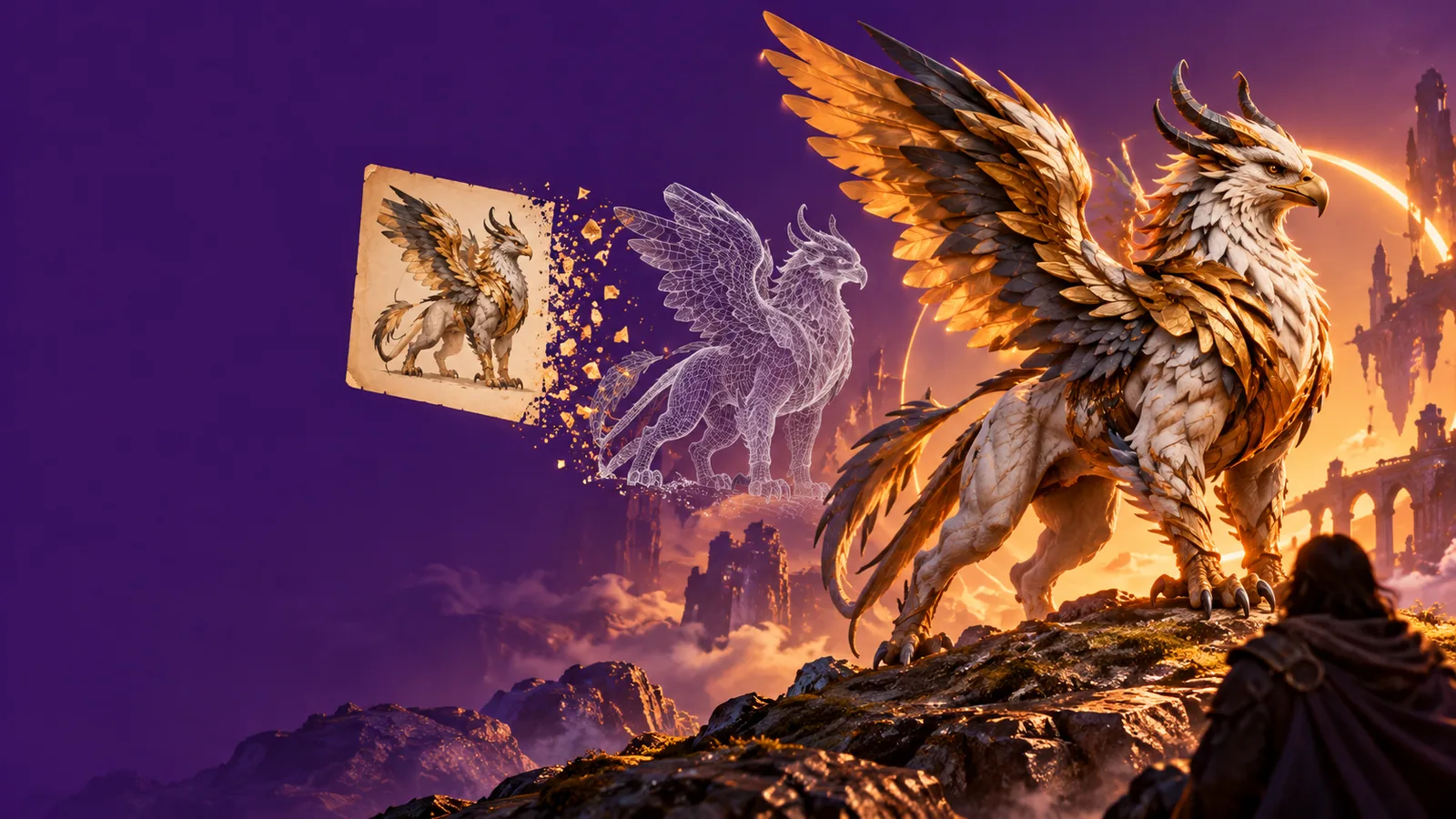
    Readable materials in a 3D concept

    2

    Make materials legible

    A useful reference separates hard, soft, reflective, matte, and textured surfaces. Ask for lighting that reveals those differences instead of hiding them in a dramatic but ambiguous scene.

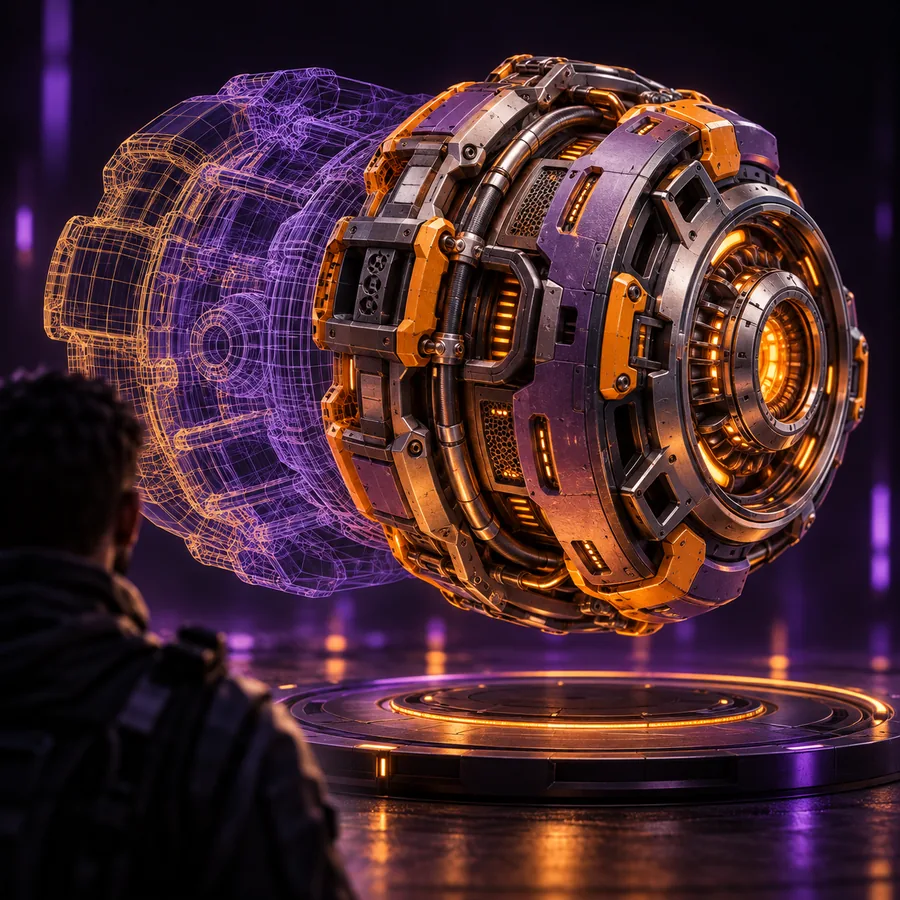
      Focused subject in a generated scene

      3

      Keep the scene purposeful

      Background detail can support scale and mood, but it should not compete with the subject. Remove distractions when the image is meant to guide modeling, review, or production planning.

        Make the next pass

        Take your strongest visual direction further

        Start with one clear scene, make one meaningful change, and use the result as a more precise brief for your 3D work. ai3dgen keeps the creative loop centered on the image you are trying to improve.

        Open ai3dgen
        • Begin with a subject and a concrete visual goal
        • Refine composition, lighting, or materials deliberately
        • Carry the clearest result into your next 3D step

        Common questions

        FAQ

        An ai image editor uses natural-language direction and visual inputs to help create or revise images. In an ai3dgen workflow, the edited image can serve as a clearer concept or reference for later 3D creation.

        Start with the subject and identify what must remain unchanged. Then describe one specific edit, such as a lighting change, background replacement, material adjustment, or new camera angle.

        Yes, an edited image can help communicate silhouette, proportions, materials, lighting, and scene direction. Treat it as a design reference and verify important details from multiple views before production.

        Inconsistency often comes from changing too many variables at once or leaving the subject's key features undefined. Keep the identity and composition explicit, then make smaller, separate edits so you can judge each result.

        Start creating
        Start creating